

Hello, you are using an old browser that's unsafe and no longer supported. Please consider updating your browser to a newer version, or downloading a modern browser.

CNCF Exam Prep

Certified Kubernetes Security Specialist Boot Camp

Five days of live online CKS training built around the CNCF exam curriculum, with hands-on labs on real clusters and lab work in every domain of the CKS exam. An active CKA certification is required before you can sit for the CKS exam.

Verified for 2026 CKS Exam
Student
Student
Student
Join 250,000+ certified alumni.
CISSP Professional

Free Retake

Course Retake Included

6 CNCF Domains

Requires Active CKA

Live Online. Hands-On. Built for the Exam.

Start Monday. Exam-Ready by Friday. Real Clusters. Six Domains.

Five days for security engineers, platform teams, and Kubernetes administrators who already hold the CKA and need to harden clusters, workloads, and supply chains to the CNCF exam standard.

Program Abstract

REF: CKS 6
Curriculum aligned to the latest Exam Outline.
Format Live, Instructor-Led
Duration 5

The CKS Is Hands-On. So Is This Class.

The CKS exam is solved at a command line against live clusters, so this class is built the same way. Over five full days you install and harden clusters with kubeadm, lock down the kube-apiserver and etcd, enforce RBAC and Pod Security Standards, scan images with Trivy, write NetworkPolicies, and detect runtime threats with Falco. Every topic maps to one of the six CNCF exam domains, so by the end of the week you have worked every domain hands-on before you schedule the real exam.

Built to the CNCF Curriculum.

Every lecture and lab maps to one of six CKS domains: Cluster Setup, Cluster Hardening, System Hardening, Minimize Microservice Vulnerabilities, Supply Chain Security, and Monitoring, Logging and Runtime Security.

Free Course Retake.

You may return for the full CKS class at no cost within one year of your original session. A second pass through the hardening, scanning, and runtime labs sharpens exam-day speed.

Real Clusters. Real Tooling.

You work in live clusters, not simulations. Labs use kubeadm, kube-bench, Falco, Trivy, Tracee, AppArmor, gVisor, Gatekeeper, and Linkerd, open source tools that map directly to the CKS exam domains.

·
Training materials including official courseware and study guides
Practitioner Led
Instructors are working security professionals, not just trainers.

"I don't teach from a textbook. I teach what happens in the SOC when the alert fires."

Jeff Porch

VP Ed. Services • CISSP, CISM CISSP: Certified Information Systems Security Professional. CISM: Certified Information Security Manager.

Choose Your Delivery Mode.

Same Curriculum
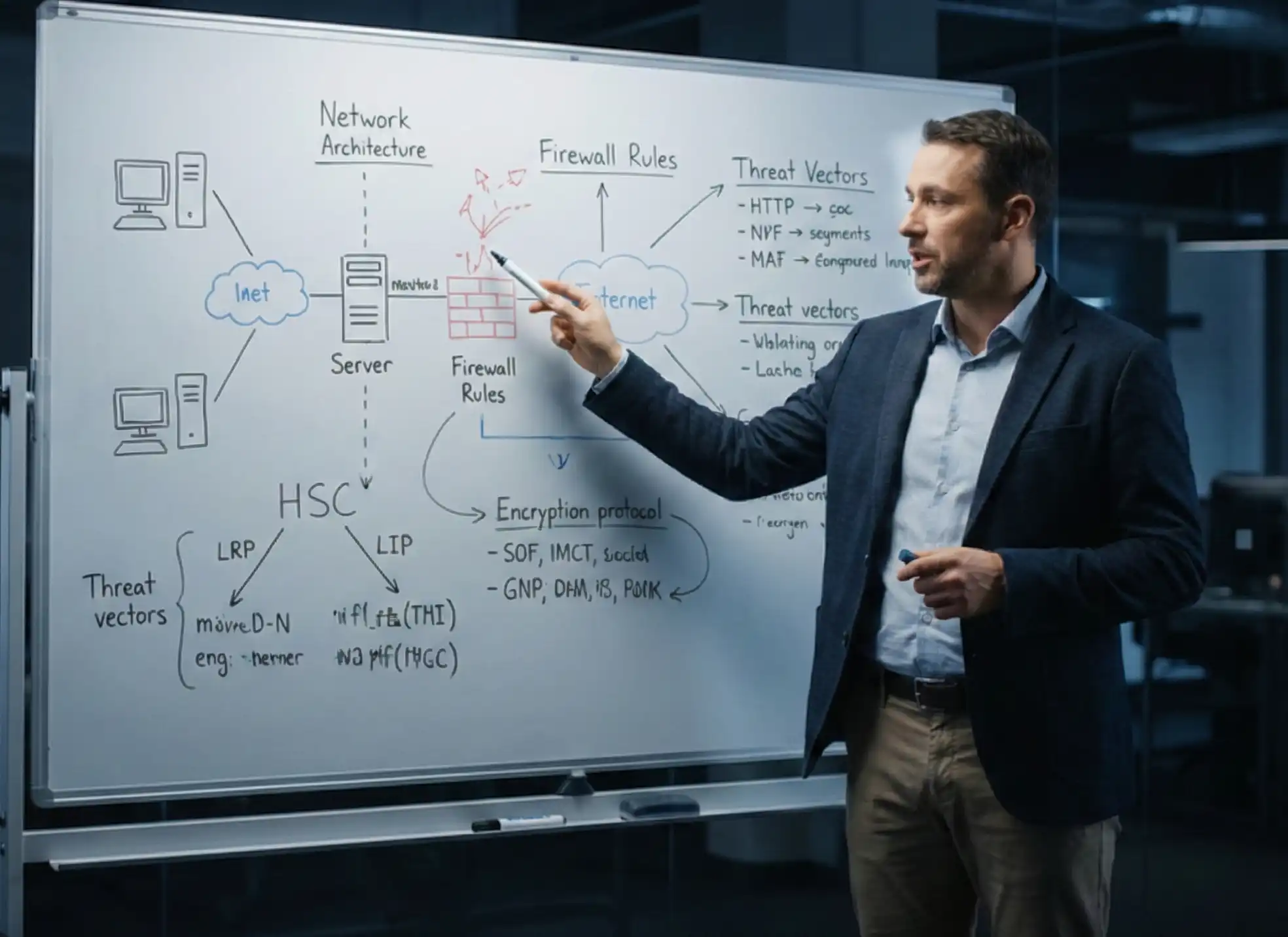
In-person classroom training session
A

In-Person

Immersive classroom instruction with direct instructor access, hands-on labs and peer collaboration.

  • Face-to-face instruction
  • Group whiteboard sessions
Student attending live online training
B

Live Online

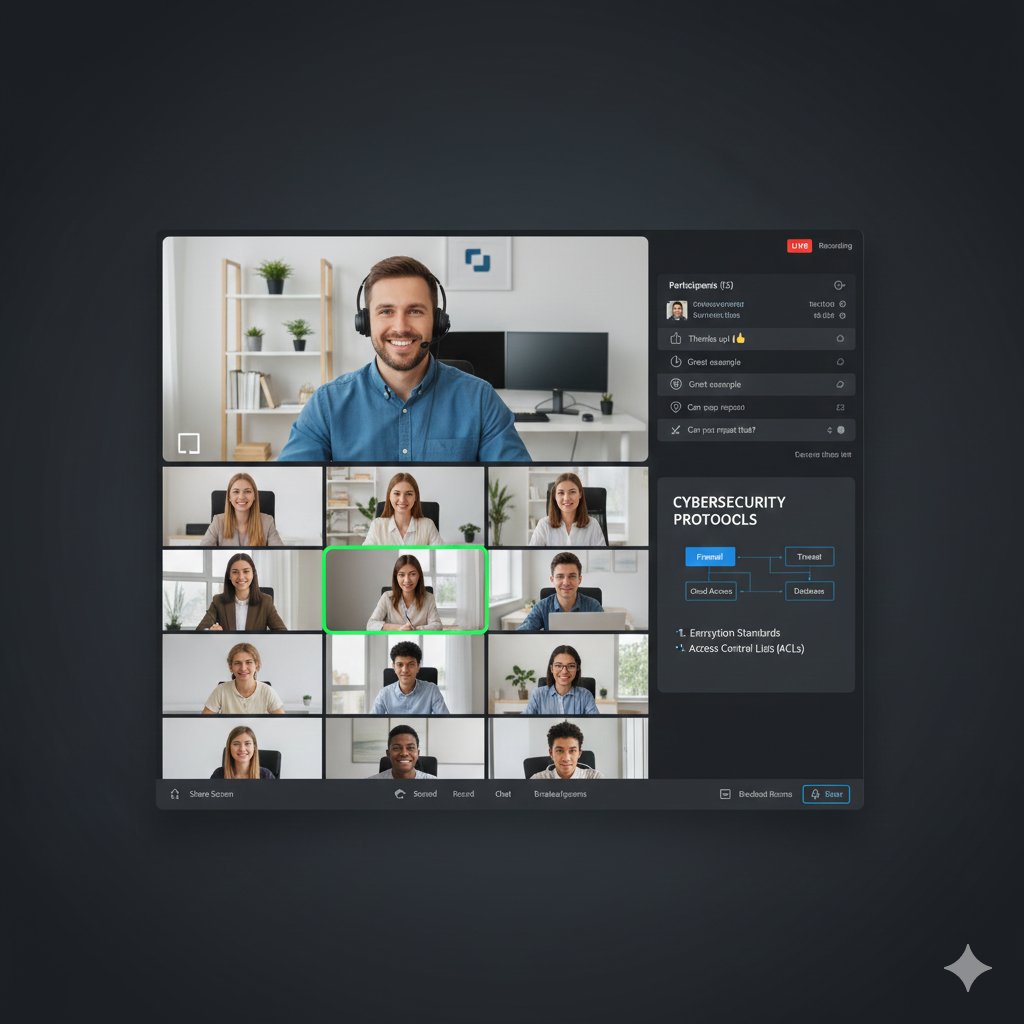
The same instructors and curriculum, delivered live from anywhere on our virtual learning platform.

  • Zero travel required
  • Interactive breakout rooms
Offer

Save on this course with a current special offer

Team pricing, military discounts and a limited-time offer of the week. See what applies before you book.

See special offers
Get Started Today

Explore Your Training Options

Tell us about your training needs and we'll create a personalized plan.

Award ribbon icon

The Security Credential for Kubernetes.

The Certified Kubernetes Security Specialist (CKS) is issued by CNCF with the Linux Foundation and proves you can secure Kubernetes platforms and workloads. An active CKA is required.

Clock icon

Five Days. Six Domains. Every Domain in the Lab.

Five full-day live online sessions move from cluster installation through control plane hardening, image scanning, RBAC, network security, and threat detection. Most topics pair a lecture with a lab.

Flower icon

Real Clusters, Not Slides.

You build clusters with kubeadm, then defend them. Labs run kube-bench against the CIS Benchmark, deploy Falco, scan images with Trivy, apply AppArmor, isolate kernels with gVisor, and enforce policy.

Light bulb icon

All Six CNCF Exam Domains Covered.

Six CKS domains: Cluster Setup 15%, Cluster Hardening 15%, System Hardening 10%, Minimize Microservice Vulnerabilities 20%, Supply Chain Security 20%, and Monitoring, Logging and Runtime Security 20%. All covered.

Stars icon

Post-Class Mentoring.

Instructor access does not end on Friday. Post-class mentoring gives you 180 days to bring questions from your own lab practice back to an instructor while you prepare.

Sunglasses icon

Free Course Retake.

If you want another pass through the material, you may retake the class at no cost within one year of your original session. Every lab rewards a second run.

Certified Kubernetes Security Specialist (CKS) Boot Camp

Accepting Inquiries
+1

    Eligible for Special Pricing?

    We respect your privacy. No spam.

    COURSE STRUCTURE

    Certified Kubernetes Security Specialist (CKS) Boot Camp Syllabus
    Syllabus

    A structured path designed for working professionals.
    Each day builds on the last—momentum is everything.

    Download Syllabus

    MODULE_ID: PREP

    Live Training QS: ~5
    BEFORE CLASS
    Critical Path

    Before Class

    Confirm your CKA is active and note its expiration date
    L.prep.1
    Review the CNCF CKS curriculum and the six domain weights
    L.prep.2
    Practice kubectl and a terminal text editor (vi, vim, or nano)
    L.prep.3
    Confirm access to your lab environment before Monday
    L.prep.4

    MODULE_ID: CKS-01

    Live Training QS: ~5
    DAY ONE
    Critical Path

    Security Foundations and Cluster Installation

    Basic principles of cloud security
    L.01.1
    Threat analysis and approach
    L.01.2
    Lab: CIS Benchmarks
    L.01.3
    Kubernetes architecture, Pods, and the control plane
    L.01.4
    Kubernetes security concepts
    L.01.5
    Lab: Configure network plugin requirements
    L.01.6
    Lab: Installing kubeadm and a basic cluster
    L.01.7
    Lab: Join a node to the cluster
    L.01.8
    Lab: Manage kubeadm tokens
    L.01.9
    Lab: Kubeadm cluster upgrade
    L.01.10

    MODULE_ID: CKS-02

    Live Training QS: ~6
    DAY TWO
    Critical Path

    Hardening the Control Plane and Scanning Images

    Configuring the kube-apiserver
    L.02.1
    Lab: Enable audit logging
    L.02.2
    Lab: Deploy Falco to monitor system calls
    L.02.3
    Encrypt data at rest
    L.02.4
    Lab: Encryption configuration
    L.02.5
    Lab: Benchmark the cluster with kube-bench
    L.02.6
    etcd isolation and disaster recovery
    L.02.7
    Lab: etcd snapshot and restore
    L.02.8
    Lab: Purge kubeadm
    L.02.9
    Container essentials and secure containers
    L.02.10
    Lab: Creating a Docker image
    L.02.11
    Lab: Scanning with Trivy, plus Snyk security
    L.02.12

    MODULE_ID: CKS-03

    Live Training QS: ~6
    DAY THREE
    Critical Path

    Manual Installation and Application Security

    Lab: Deploy Kubernetes manually
    L.03.1
    Lab: Validate the installation with Sonobuoy
    L.03.2
    Lab: kubectl get, sorting, and describe
    L.03.3
    Lab: Labels and selectors
    L.03.4
    Annotations
    L.03.5
    Lab: Scan a running container with Tracee
    L.03.6
    Lab: Security contexts for Pods
    L.03.7
    Lab: AppArmor profiles
    L.03.8
    Lab: Isolate container kernels with gVisor
    L.03.9

    MODULE_ID: CKS-04

    Live Training QS: ~7
    DAY FOUR
    Critical Path

    Access Control, Pod Policy, and Secrets

    Lab: Contexts
    L.04.1
    Authentication and authorization
    L.04.2
    Lab: Role Based Access Control
    L.04.3
    Lab: RBAC distributing access
    L.04.4
    Lab: Limit Pod service accounts
    L.04.5
    Lab: Admission controllers and creating a LimitRange
    L.04.6
    Lab: Enable Pod Security Standards
    L.04.7
    Lab: Open Policy Agent and deploying Gatekeeper
    L.04.8
    Lab: Create and consume Secrets
    L.04.9
    HashiCorp Vault
    L.04.10

    MODULE_ID: CKS-05

    Live Training QS: ~7
    DAY FIVE
    Critical Path

    Network Security and Threat Detection

    Networking plugins and NetworkPolicy
    L.05.1
    Lab: Deploy a NetworkPolicy
    L.05.2
    Lab: Namespace network policy
    L.05.3
    Lab: mTLS with Linkerd
    L.05.4
    Lab: Linkerd dashboard
    L.05.5
    Active threat analysis
    L.05.6
    Host intrusion detection
    L.05.7
    Network intrusion detection
    L.05.8
    Physical intrusion detection
    L.05.9
    COURSE PROGRESS Day 0 of 5
    DoD Cyber Workforce Framework

    All the Kubernetes Security Skills. Half the Time to Certification.

    Five days of live labs to get you cluster-hardened, CKS-ready, and back to work.

    Vulnerability Management Cryptography Security Assessment & Testing Access Control Models Security Architecture Software Development Security Identity & Access Management Communication & Network Security Vulnerability Management Cryptography Security Assessment & Testing Access Control Models Security Architecture Software Development Security Identity & Access Management Communication & Network Security
    Risk Assessment Security & Risk Management Asset Security Incident Response Network Protocols Security Operations Business Continuity Governance & Compliance Risk Assessment Security & Risk Management Asset Security Incident Response Network Protocols Security Operations Business Continuity Governance & Compliance
    DoD 8140 Requirements

    Beyond the Cert: Built for the Job

    Foundational qualification The certification you earn with us
    Residential qualification Hands-on labs prep you for the on-the-job readiness DoD 8140 requires within 12 months
    Continuous professional development CPE-eligible training to maintain qualification long after

    The credential, the capability, and the continued readiness — all in one boot camp.

    FREQUENTLY ASKED QUESTIONS

    Certified Kubernetes Security Specialist
    Boot Camp FAQ

    Real questions from real professionals who passed.
    Here's how we answer them.

    The Certified Kubernetes Security Specialist (CKS) is a performance-based certification issued by the Cloud Native Computing Foundation (CNCF) with the Linux Foundation. It proves you can secure container-based applications and Kubernetes platforms during build, deployment, and runtime. Candidates must hold an active CKA before attempting the CKS exam, which makes it the advanced security credential in the CNCF Kubernetes track.

    The class runs five full-day live online sessions, Monday through Friday, led by a live instructor. Each day pairs lectures with hands-on labs on real clusters, ending with threat analysis and detection on the final day. This CKS training follows the CNCF exam curriculum, so the five days cover all six exam domains.

    No. The CKS exam is purchased separately from the Linux Foundation for $445. That fee includes one retake and a 12-month window to schedule your attempt. You take the exam online on your own schedule after class, once you have worked through every domain in the labs.

    The CKS exam is a 2-hour online, proctored, performance-based test solved from a command line. You work through tasks in live Kubernetes clusters running v1.35, the current exam environment. The exam is purchased separately from the Linux Foundation for $445, which includes one retake and a 12-month scheduling window.

    CNCF does not publish the passing score for the CKS exam. The exam is performance-based and solved from a command line, so preparation means completing tasks in live clusters, not memorizing answers. The practical approach is to be able to complete every task type across the six domains under time pressure, which is what the labs in this class are built for.

    You must hold an active CKA certification before you can attempt the CKS exam, and this class assumes that level of Kubernetes knowledge. For the class itself you need working knowledge of Kubernetes, basic Linux skills, and familiarity with a text editor such as vi, vim, or nano. If you do not yet hold the CKA, start with our CKA Boot Camp.

    CKS training is for anyone who holds a CKA and is interested in or responsible for cloud security: security engineers, platform and DevOps engineers, Kubernetes administrators, and SREs who need to harden clusters, workloads, and supply chains. It also suits security professionals moving into container environments who already have the CKA baseline.

    You work in live Kubernetes clusters, not simulations. Labs include installing and upgrading clusters with kubeadm, enabling audit logging, deploying Falco, configuring encryption at rest, running kube-bench, snapshotting and restoring etcd, scanning images with Trivy, applying AppArmor profiles and gVisor, configuring RBAC and service accounts, enabling Pod Security Standards and Gatekeeper, and deploying NetworkPolicy and mTLS with Linkerd.

    The CKS is the security specialization and requires an active CKA. The CKA covers day-to-day cluster administration. The CKAD covers designing, building, and deploying applications that run on Kubernetes. If you run clusters, earn the CKA first and then the CKS. If you build applications, the CKAD is the closer fit.

    The CKS certification is valid for 2 years from the date you pass. Renewal requires passing the current version of the CKS exam again before your certification expires. Confirm the exact renewal steps and dates that apply to your certification in your Linux Foundation training portal.

    No. CNCF certifications, including the CKS, are not listed on the DoD 8140 Approved Qualifications Matrix. If you need a credential for a DoD 8140 work role, check the current Approved Qualifications Matrix before enrolling and choose a listed certification for that requirement. The CKS remains a respected technical credential for Kubernetes security work in any environment.

    Your $445 Linux Foundation exam purchase includes one retake, so you get a second attempt at no extra cost within your 12-month window. If you want more preparation first, you may retake the full class at no cost within one year of your original session. Post-class mentoring is also available to help you work through the domains that gave you trouble.

    Many certifying bodies accept vendor and technical training hours toward continuing education requirements. Each body sets its own rules on which activities count and how to document them, so check with your certifying body before submitting. Keep your enrollment confirmation and class dates for your records.

    Get the Free
    CKS Exam Guide

    • Expert strategies to spot trick questions
    • Question patterns examiners actually use
    • Proven pacing + pressure management tactics
    Articles and Certification Resources

    CKS Boot Camp
    Study Tools and Resources

    Study guides and planning articles to help you prepare for the CKS exam and decide what comes next.

    Weighing this against another certification? Compare them head to head in Certification Matchups →

    Featured on