Hello, you are using an old browser that's unsafe and no longer supported. Please consider updating your browser to a newer version, or downloading a modern browser.

Training Camp's 5-day RHCSA Enterprise Linux 9 boot camp covers system administration, storage management, networking, and security as RHCSA prep.

Award-Winning Training Experience

RHCSA Enterprise Linux 9 Certification Boot Camp

Five days of hands-on Enterprise Linux 9 administration to prep for the RHCSA, with labs every day, a mobile app and a free course retake. Train live online or in person.

Built on Enterprise Linux 9
Student
Student
Student
Join 250,000+ trained alumni.
Emilio Vespar, Training Camp mascot, in an overshirt

Free Retake

Course Retake Included

Expert Designed

For Real-World Success

Live online or in person. Same instructors.

Five Days. Hands-On. Real systems. Free course retake.

Five days of live, hands-on Enterprise Linux 9 administration, from storage and networking to SELinux and shell scripting. Retake the course free within a year if you want a second pass.

Program Abstract

REF: RHCSA-EL9 10
Built around hands-on tasks on Enterprise Linux 9.
Format Live, Instructor-Led
Duration 5

Linux Admin Is Hard. We Know How to Teach It.

This intensive 5-day RHCSA prep boot camp covers the core of Enterprise Linux 9 system administration: the shell and file management, users and permissions, software, storage and file systems, networking, SELinux and firewalld, boot targets and shell scripting. You work every topic as a hands-on task on a live system, with an instructor there to correct you as you go.

Hands-On Linux Training.

Slides don't teach you to fix a broken mount. Every topic in this course is a task you work on a live Enterprise Linux 9 system, so you build habits at the command line, not notes.

System Integrity Check
Lab Environment Hosted
Platform EL 9
Instruction Live
Hands-On Labs DAILY

Complete Study System.

You get the course materials, practice tasks and mobile app access, with a hosted lab environment so there is nothing to install. Everything is organized and designed to work together.

Mobile Learning

Start Right Away

Unlock iOS/Android app immediately upon enrollment.

Practice Tasks

Work It, Then Review It

Hands-on practice tasks, reviewed with your instructor.

Certificate

Certificate of Completion

Issued by Training Camp, recording the course and the hours attended.

Hands-On

Labs Every Day

A hosted lab environment, so nothing needs installing.

Flexible Schedule

Training Fits Your Life

Day, evening, online or in-person—your choice.

Expert Support

Never On Your Own

180 days of unlimited 1-on-1 coaching after class.

Expert Support After Class.

Get unlimited one-on-one coaching from our instructors for up to 180 days after class ends. Bring your questions back any time.Email, Zoom, and phone support included.

Friday 5PM
Bootcamp Concludes - You leave with a personalized attack plan.
Class Ends
After Class
Instructor Access - Bring questions from your own servers back to your instructor after class.
Instructor Access
Last Day
Certificate of Completion - Issued by Training Camp at the end of the course.
Certificate Issued
·
Training materials including courseware and study guides
Practitioner Led
Instructors are working security professionals, not just trainers.

"I don't teach from a textbook. I teach what happens in the SOC when the alert fires."

Jeff Porch

VP Ed. Services • CISSP, CISM All of our trainers carry a wide range of certifications, including the certification for every program they teach or manage.

Choose Your Delivery Mode.

Same Curriculum
In-person classroom training session
A

In-Person

Immersive classroom instruction with direct instructor access, hands-on labs and peer collaboration.

  • Face-to-face instruction
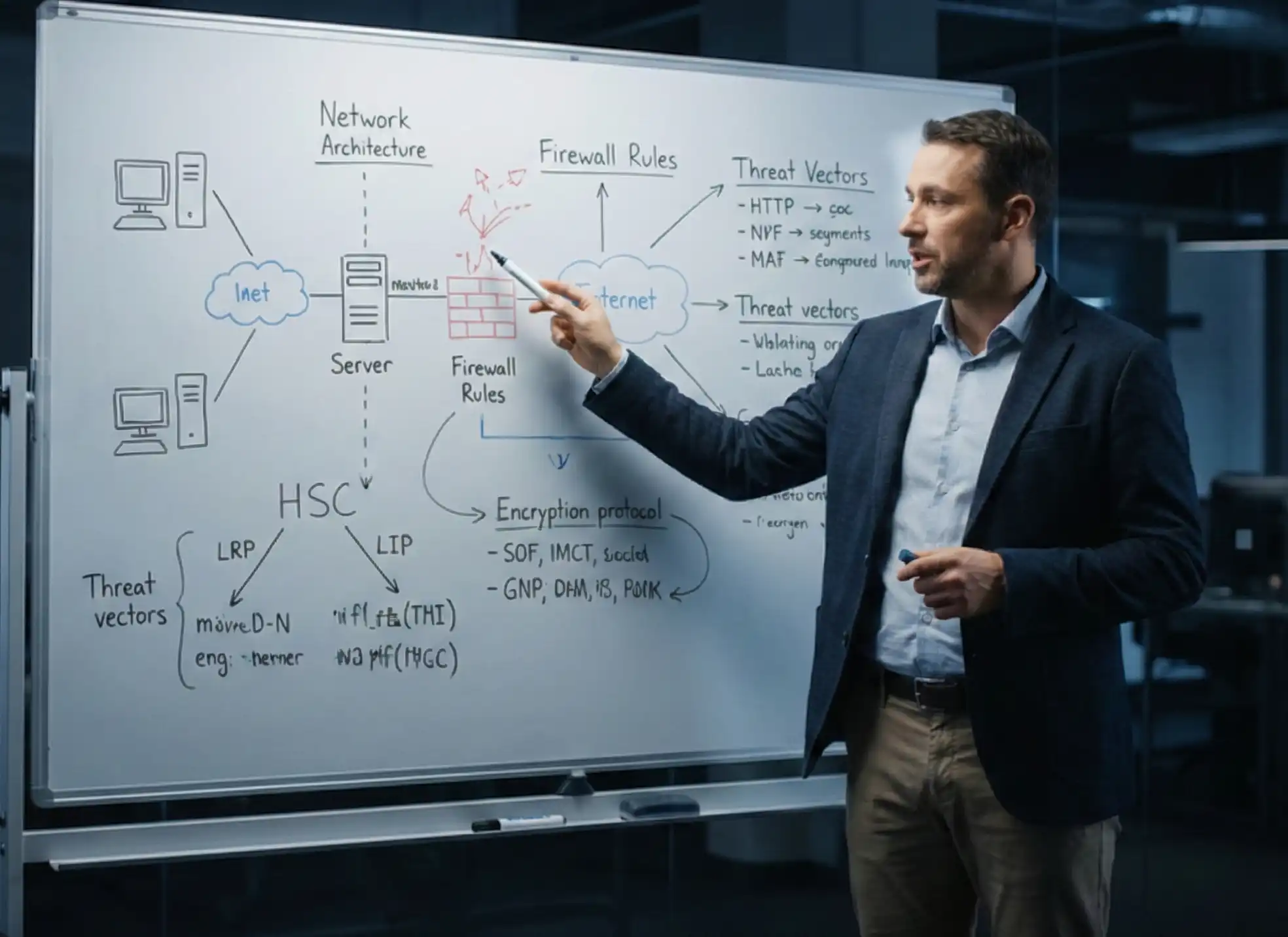
  • Group whiteboard sessions
Student attending live online training
B

Live Online

The same instructors and curriculum, delivered live from anywhere on our virtual learning platform.

  • Zero travel required
  • Interactive breakout rooms
Offer

Save on this course with a current special offer

Team pricing, military discounts and a limited-time offer of the week. See what applies before you book.

See special offers
COURSE STRUCTURE

RHCSA Enterprise Linux 9 Boot Camp Course
Outline

A structured path designed for working professionals.
Each day builds on the last—momentum is everything.

MODULE_ID: PREP
Live Training QS: ~5
BEFORE CLASS
Critical Path

Before Class

Pre-course materials access
L.prep.1
Foundation concepts review
L.prep.2
Baseline self-assessment
L.prep.3
MODULE_ID: RHCSA9-01
Live Training QS: ~5
DAY 1
Critical Path

Essential Tools, Files, and Remote Access

Accessing the Shell and Issuing Commands With Correct Syntax
L.01.1
Logging In and Switching Users in Multiuser Targets
L.01.2
Accessing Remote Systems With SSH
L.01.3
Navigating the File-System Hierarchy Standard
L.01.4
Creating, Copying, Moving, and Deleting Files and Directories
L.01.5
Hard and Soft Links With Ln
L.01.6
Globbing, Tab Completion, and Bash History
L.01.7
Lab: Manage Files From the Command Line
L.01.8
Editing Text Files With Vim
L.01.9
Input-Output Redirection, Pipes, and Stderr
L.01.10
Analyzing Text With Grep and Regular Expressions
L.01.11
Finding Files With Find and Locate
L.01.12
Archiving and Compressing With Tar, Gzip, and Bzip2
L.01.13
Using Man, Info, and /usr/share/doc Documentation
L.01.14
Lab: Redirect Output and Filter Logs With Grep
L.01.15
Lab: Archive and Restore a Directory Tree
L.01.16
MODULE_ID: RHCSA9-02
Live Training QS: ~6
DAY 2
Critical Path

Users, Permissions, Software, and Processes

Creating, Modifying, and Deleting Users With Useradd and Usermod
L.02.1
Password Aging With Chage and /etc/login.defs
L.02.2
Managing Groups and Supplementary Membership
L.02.3
Configuring Privileged Access With Sudo and Sudoers
L.02.4
Standard Ugo/rwx Permissions With Chmod and Chown
L.02.5
Default Permissions With Umask and Special Permissions
L.02.6
Creating Set-GID Directories for Team Collaboration
L.02.7
Diagnosing and Correcting File Permission Problems
L.02.8
Lab: Create Users, Groups, and Shared Directories
L.02.9
Configuring DNF Repositories and Red Hat CDN Access
L.02.10
Installing, Updating, and Removing RPM Packages With DNF
L.02.11
Installing Packages From a Remote Repository or Local File System
L.02.12
Monitoring Processes With Ps, Top, and Kill Signals
L.02.13
Adjusting Process Scheduling With Nice and Renice
L.02.14
Controlling Services and Daemons With Systemctl
L.02.15
Lab: Configure a Local Repository and Install Packages
L.02.16
Lab: Identify and Kill CPU-Intensive Processes
L.02.17
MODULE_ID: RHCSA9-03
Live Training QS: ~6
DAY 3
Critical Path

Networking, Firewall, SSH, Scheduling, and Logging

Configuring IPv4 and IPv6 Addresses With Nmcli
L.03.1
Configuring Hostname Resolution and /etc/hosts
L.03.2
Network Services Starting Automatically at Boot
L.03.3
Restricting Network Access With Firewalld and Firewall-cmd
L.03.4
Configuring and Securing the SSH Server
L.03.5
Key-Based Authentication With Ssh-keygen and Ssh-copy-id
L.03.6
Securely Transferring Files With Scp, Sftp, and Rsync
L.03.7
Lab: Configure a Static Address and Hostname With Nmcli
L.03.8
Lab: Open Services in Firewalld and Configure Key-Based SSH
L.03.9
Scheduling One-Time Tasks With At
L.03.10
Recurring Tasks With Cron and Crontab
L.03.11
Systemd Timer Units for System Tasks
L.03.12
Configuring Chrony Time Service Clients
L.03.13
Locating and Interpreting Logs With Journalctl and Rsyslog
L.03.14
Preserving Persistent System Journals Across Reboots
L.03.15
Managing Tuning Profiles With Tuned
L.03.16
Lab: Schedule Jobs and Configure a Persistent Journal
L.03.17
MODULE_ID: RHCSA9-04
Live Training QS: ~7
DAY 4
Critical Path

Storage, File Systems, and Network Storage

Listing, Creating, and Deleting MBR and GPT Partitions
L.04.1
Creating and Removing Physical Volumes
L.04.2
Assigning Physical Volumes to Volume Groups
L.04.3
Creating, Extending, and Deleting Logical Volumes
L.04.4
Adding Swap Partitions and Swap Logical Volumes Non-Destructively
L.04.5
Lab: Build an LVM Volume Group and Logical Volume
L.04.6
Lab: Extend a Logical Volume and Its File System
L.04.7
Creating and Mounting XFS, ext4, and VFAT File Systems
L.04.8
Persistent Mounts in /etc/fstab by UUID or Label
L.04.9
Mounting and Unmounting NFS Exports
L.04.10
Configuring Autofs for On-Demand Mounts
L.04.11
Accessing Removable Media and Mount Troubleshooting
L.04.12
Recovering From a Bad /etc/fstab Entry at Boot
L.04.13
Lab: Mount File Systems Persistently by UUID
L.04.14
Lab: Configure Autofs for an NFS Share
L.04.15
MODULE_ID: RHCSA9-05
Live Training QS: ~7
DAY 5
Critical Path

Boot Process, SELinux, Scripting, and Containers

Booting Into Different Systemd Targets Manually and by Default
L.05.1
Interrupting the Boot Process to Reset the Root Password
L.05.2
Modifying the GRUB2 Bootloader With Grubby
L.05.3
Setting SELinux Enforcing and Permissive Modes
L.05.4
Listing and Restoring File Contexts With Semanage and Restorecon
L.05.5
SELinux Booleans and Port Labels
L.05.6
Diagnosing and Resolving Routine SELinux Denials
L.05.7
Lab: Recover Root Access on a Locked System
L.05.8
Lab: Fix an SELinux-Blocked Web Server
L.05.9
Bash Conditionals With If, Test, and Brackets
L.05.10
For Loops and Processing Script Arguments
L.05.11
Capturing Command Output in Scripts
L.05.12
Finding, Inspecting, and Pulling Container Images With Podman and Skopeo
L.05.13
Running and Managing Containers With Persistent Storage
L.05.14
Running a Container as a Systemd Service That Starts at Boot
L.05.15
Lab: Write a Shell Script That Processes User Input
L.05.16
Lab: Run a Containerized Web Service at Boot
L.05.17
Full-Length Timed Practice Lab and Review
L.05.18
MODULE_ID: POST
Live Training QS: ~8
AFTER CLASS
Critical Path

After Class

COURSE PROGRESS Day 0 of 5
FREQUENTLY ASKED QUESTIONS

RHCSA Enterprise Linux 9
Boot Camp FAQ

Real questions from IT pros deciding if this course fits.
Here's how we answer them.

Yes. Plan on at least six months of hands-on Enterprise Linux experience and comfort at the command line and in vim. This is a fast-paced course, not an introduction to Linux: the five days go to storage, networking, SELinux, containers and scripting, not to learning the shell. If you’re new to Linux, start with a foundational course first.

Linux and Windows administrators, DevOps, cloud and site reliability engineers, and support engineers who already use Enterprise Linux and want to run it with confidence: storage and LVM, networking and firewalls, SELinux, systemd, containers and shell scripting. Teams moving workloads onto Enterprise Linux 9 often train their admins together.

Yes. If you want a second pass, you can retake the full course free within one year, and you get 180 days of one-on-one instructor support after class.

Linux+ training covers several Linux distributions at a broader, lighter level. This course goes deep on one platform, Enterprise Linux 9, and most of each day is hands-on work at the command line: building LVM volumes, fixing SELinux denials, configuring firewalld and NetworkManager, running containers with Podman and recovering a system that won’t boot. If your servers run Enterprise Linux, this is the more practical choice.

Run and troubleshoot an Enterprise Linux 9 server on your own: manage users, permissions and sudo; install software from repositories; partition disks and build LVM storage; configure networking, firewalld and SSH keys; schedule jobs and read the journal; keep SELinux enforcing without breaking services; run containers as services; and write bash scripts that automate routine work.

Yes. Containers, CI/CD runners and automation tools all run on Linux, and the failures you chase in a pipeline are usually permissions, systemd units, storage or networking rather than the tool itself. This course drills that layer, and on day five you run containers with Podman as systemd services.

Self-study usually stretches across three to six months of evenings, with nobody to tell you that the approach you just taught yourself will fall apart on a live system. The boot camp covers the same ground in five days with instructor support, hosted lab environments, and other students to work alongside. The practical difference is how fast you get corrected: a bad habit that self-study leaves in place for months gets caught in the room on day two.

Yes. Training Camp delivers private sessions of this boot camp for government and military teams, onsite or live online, including at secure facilities. RHCSA is not listed on the DoD 8140 Approved Qualifications Matrix, so if a billet requires an 8140 qualifying certification, pair this course with a listed credential.

Get the Free
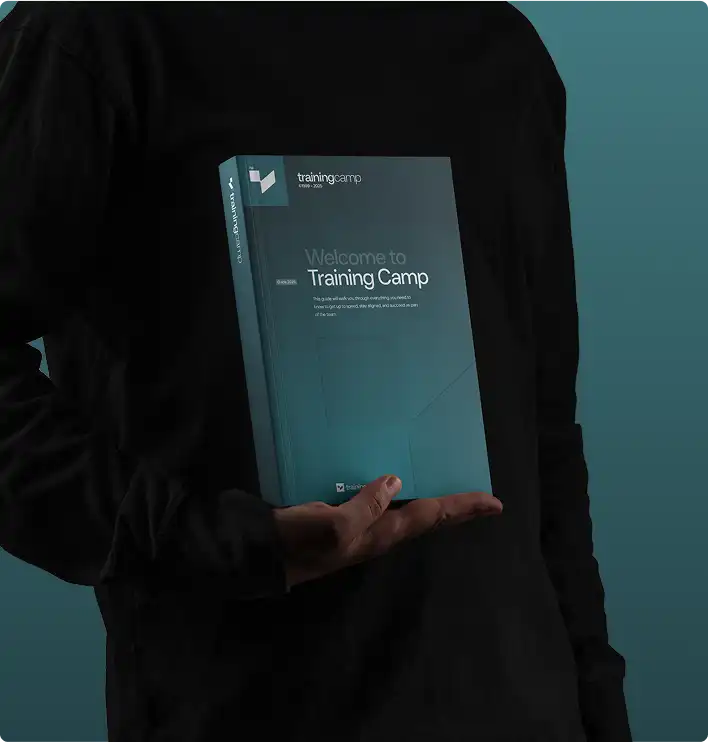
RHCSA Course Guide

  • What the course covers, day by day
  • The lab environment and what you build in it
  • How the certificate of completion works
Student Success Stories

What Our Students Say

Join thousands of IT professionals who trained with Training Camp

★★★★★

Worth every penny if you already know Linux basics. Absolute beginners will drown, this isn’t Linux 101

MP
Mic**** Par* C**ersecurity Analyst
★★★★★

Coming from a DevOps background, I knew Linux but needed the cert for a promotion. What sets this apart: the labs mirror actual production scenarios. We broke th...

Continue Your Journey

RHCSA 9 Related Courses

Keep building your skills with these related courses

Featured on