


Hello, you are using an old browser that's unsafe and no longer supported. Please consider updating your browser to a newer version, or downloading a modern browser.
Training Camp • Cybersecurity Glossary
It occurs when two linked devices disagree on half- vs full-duplex, causing collisions, late collisions, and severe throughput loss — often from one side hard-set.
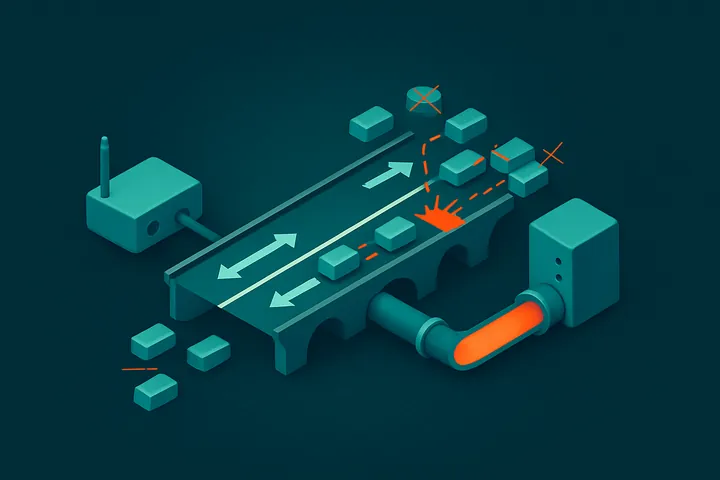
Duplex Mismatch Definition: It occurs when two linked devices disagree on half- vs full-duplex, causing collisions, late collisions, and severe throughput loss — often from one side hard-set.
A duplex mismatch is a network fault in which two directly connected devices operate in different duplex modes — one in full duplex and the other in half duplex. The mismatch causes collisions and errors that severely degrade throughput on an otherwise healthy link, often dropping a fast connection to a fraction of its capacity.
It works through how Ethernet handles transmission. Full duplex sends and receives simultaneously and ignores collision detection; half duplex uses CSMA/CD and expects collisions. When one side runs full duplex and the other half duplex, the half-duplex side detects "collisions" whenever both transmit at once and backs off, while the full-duplex side keeps sending. The result is late collisions, FCS/CRC errors, and runts on the half-duplex side. The classic cause is mismatched configuration: one interface hard-coded to a fixed speed/duplex while its neighbor is left on auto-negotiation, which then defaults to half duplex.
It matters for security and operations because the symptoms mimic an attack or hardware failure and erode availability. Throughput plummets and latency spikes intermittently, making applications time out and triggering false incident investigations. It can mask or be mistaken for a denial-of-service condition, and degraded links undermine the reliability that monitoring, backups, and failover depend on. Consistent auto-negotiation or matched hard-set settings on both ends is the fix and a standard hardening check.
For example, an administrator hard-sets a server NIC to 100 Mbps full duplex but leaves the connected switch port on auto-negotiation. Auto-negotiation, unable to detect the peer's settings, falls back to 100 Mbps half duplex. Users report the server is slow and connections stall under load; interface counters show rising late collisions and CRC errors on the switch port. Setting both ends to auto — or both to full duplex — clears the errors and restores full performance.
Turn knowledge into credentials with our instructor-led cybersecurity boot camps.
View All Courses →