

Hello, you are using an old browser that's unsafe and no longer supported. Please consider updating your browser to a newer version, or downloading a modern browser.

Top Microsoft Exam Prep Training Provider

Teams Administrator (MS-700)

Four days on the four published MS-700 domains, from network readiness and Purview policy through Teams Phone, town halls and troubleshooting. Exam voucher included.

Verified for 2026 MS-700 Exam
Student
Student
Student
Join 250,000+ certified alumni.
CISSP Professional

Free Retake

Exam Protection Included

Official Microsoft

Authorized Training

Proven by 50,000+. Backed by our Free Retake Guarantee

Microsoft Teams Administration. Certified in Four Days.

4 days for the administrator who owns Teams in a real tenant: the network readiness, the Purview and Entra policy, the devices and Teams Phone, not just the app.

Program Abstract

REF: MS-700 4
Curriculum aligned to the latest Exam Outline.
Format Live, Instructor-Led
Duration 4

The Teams Administrator Boot Camp

Nearly half of MS-700 sits outside the Teams admin centre, in network planning, Defender policy, Purview retention and Entra Conditional Access. We teach it in exam weight order.

Official Microsoft Courseware.

Official Microsoft Courseware for MS-700T00, plus Training Camp’s own exam prep built on top of it.

Exam Fee Included.

$165 exam voucher included with your enrollment. No surprise costs, no separate booking.

Exam Prep Built Into the Week

Practice questions mapped to Microsoft’s 4 domains and weighted the way the exam is, with instructor-led review of every answer choice.

·
Training materials including official courseware and study guides
Practitioner Led
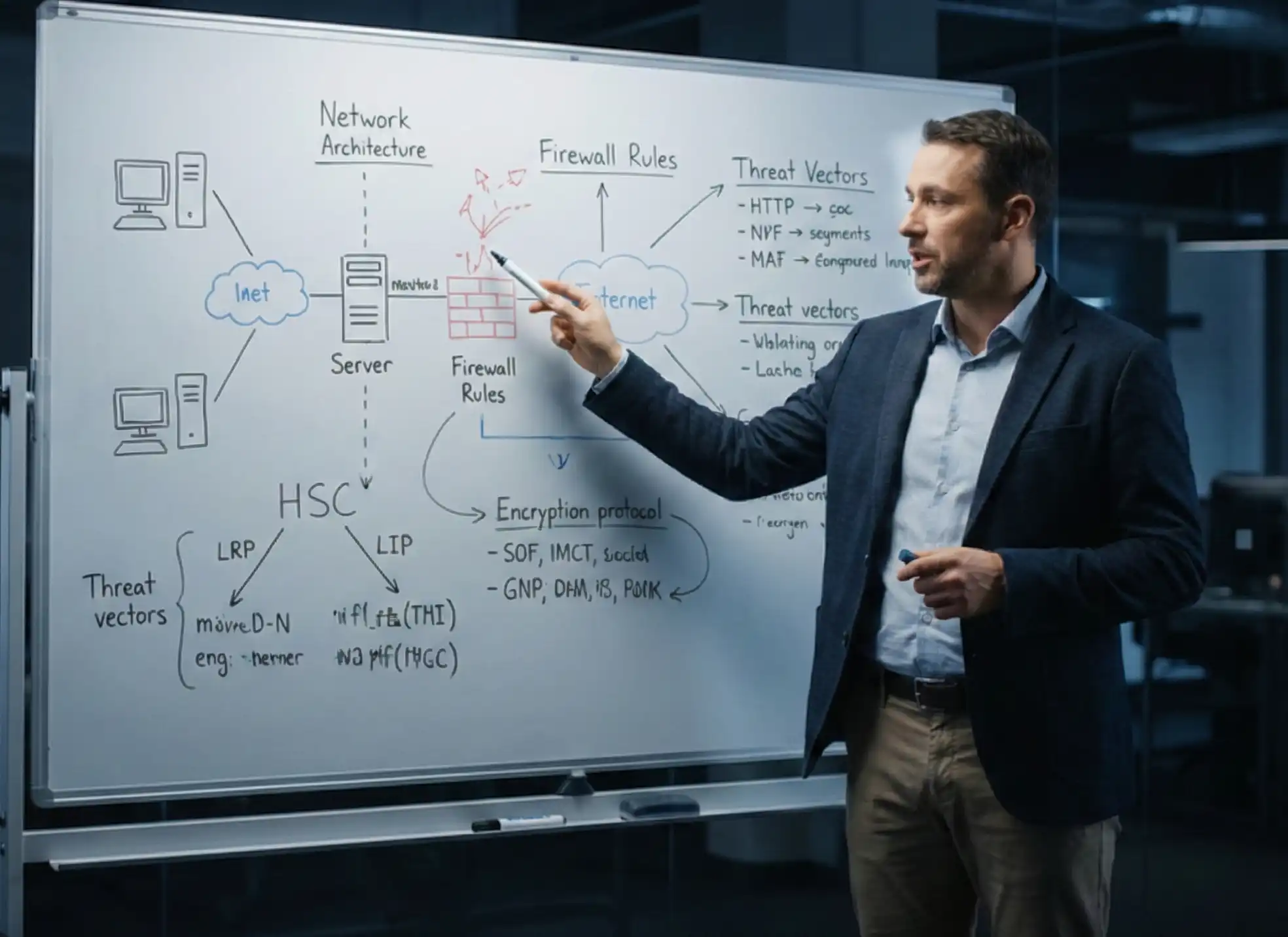
Instructors are working security professionals, not just trainers.

"I don't teach from a textbook. I teach what happens in the SOC when the alert fires."

Jeff Porch

VP Ed. Services • CISSP, CISM CISSP: Certified Information Systems Security Professional. CISM: Certified Information Security Manager.

Choose Your Delivery Mode.

Same Curriculum
In-person classroom training session
A

In-Person

Immersive classroom instruction with direct instructor access, hands-on labs and peer collaboration.

  • Face-to-face instruction
  • On-site exam option
Student attending live online training
B

Live Online

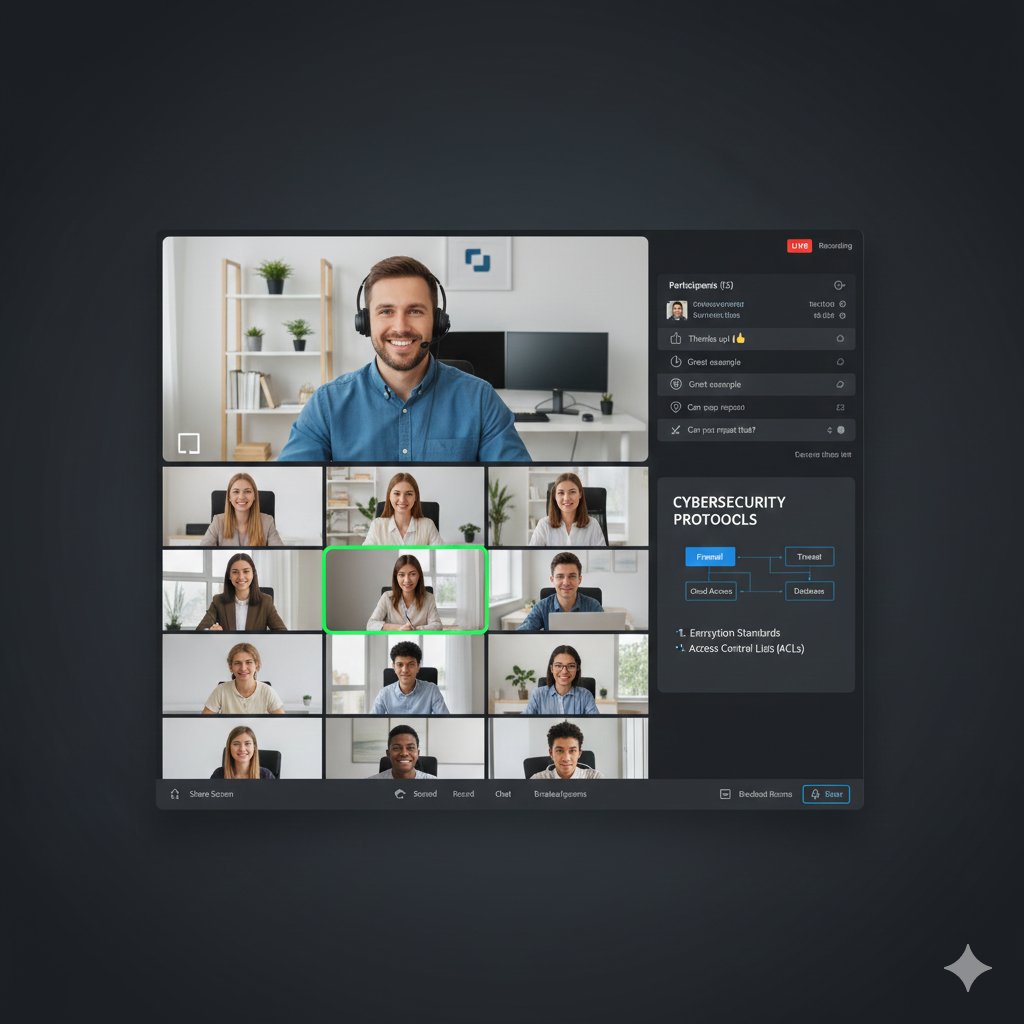
The same instructors and curriculum, delivered live from anywhere on our virtual learning platform.

  • Zero travel required
  • Interactive breakout rooms
Offer

Save on this course with a current special offer

Team pricing, military discounts and a limited-time offer of the week. See what applies before you book.

See special offers
Get Started Today

Explore Your Training Options

Tell us about your training needs and we'll create a personalized plan.

Exam Voucher Included

Your MS-700 Exam Voucher Is Included

The $165 MS-700 voucher is part of the price rather than an add-on, so nothing is owed on test day whether you sit it in class or later.

Free Retake

Backed by Our Free Retake Guarantee

If you do not pass MS-700 on the first attempt, your retake is covered, so a single bad morning does not cost you the certification.

Hands-On Labs

Hosted Microsoft 365 Tenants, Ready

Hosted tenants with Teams, Entra ID, Purview and Teams Phone ready to go, so voice and governance each get proper lab time in the week.

Domain-Mapped Practice

Practice Weighted the Way the Exam Is

Questions weighted the way the published blueprint is, with 40-45% on the Teams environment, so practice matches the real balance.

180 Days of Support

180 Days of One-to-One Instructor Help

Your instructor stays reachable for a full 180 days after class, which is exactly when the MS-700 questions that actually matter turn up.

Current Blueprint

Taught to the Current Microsoft Outline

Built to the current MS-700 skills outline, including Microsoft’s October 2026 revision, which added the town halls and Copilot troubleshooting that older courses omit.

Microsoft Teams Administrator Boot Camp (MS-700)

Accepting Inquiries
+1

    Eligible for Special Pricing?

    We respect your privacy. No spam.

    COURSE STRUCTURE

    Microsoft Teams Administrator Boot Camp (MS-700) Course Outline
    Outline

    A structured path designed for working professionals.
    Each day builds on the last—momentum is everything.

    Request Info

    MODULE_ID: PREP

    Live Training QS: ~5
    BEFORE CLASS
    Critical Path

    Before Class

    Nothing needs installing on your machine.
    L.prep.1
    Your $165 exam voucher is issued with enrollment, not at the end.
    L.prep.2

    MODULE_ID: MS-TEAMS-01

    Live Training QS: ~5
    DAY 1
    Critical Path

    Day 1

    Calculating Bandwidth for Voice, Video, Meetings and Events
    L.01.1
    Analyzing Network Impact with Teams Network Planner
    L.01.2
    Ports and Protocols Used by Teams
    L.01.3
    Teams Network Assessment Tool Readiness Checks
    L.01.4
    Microsoft 365 Network Connectivity Test Tool
    L.01.5
    Lab: Model a Site with Network Planner
    L.01.6
    Licensing, Alert Policies and Teams Administrator Roles
    L.01.7
    Threat Policies in Defender for Office 365
    L.01.8
    Retention Policies and Sensitivity Labels for Teams Meetings
    L.01.9
    Purview DLP and Entra Conditional Access for Teams
    L.01.10
    Information Barriers, Communication Compliance and Insider Risk
    L.01.11
    Lab: Publish a Sensitivity Label for Teams Meetings
    L.01.12
    Practice Questions and Wrong-Answer Walkthrough
    L.01.13

    MODULE_ID: MS-TEAMS-02

    Live Training QS: ~6
    DAY 2
    Critical Path

    Day 2

    Update Policies, Policy Packages and Policy Assignment
    L.02.1
    Microsoft 365 Group Creation, Expiration and Naming Policies
    L.02.2
    Archiving, Restoring and Deleting Teams
    L.02.3
    Microsoft Entra Access Reviews for Teams and Groups
    L.02.4
    Teams Operations with PowerShell and Microsoft Graph
    L.02.5
    Lab: Assign Policy Packages and Configure Group Expiration
    L.02.6
    SharePoint and OneDrive External Sharing Settings
    L.02.7
    External Access by Domain and Guest Access Across Admin Centers
    L.02.8
    Shared Channels and B2B Direct Connect Cross-Tenant Settings
    L.02.9
    Configuring a Multitenant Organization
    L.02.10
    Teams Phone and Device Licensing Requirements
    L.02.11
    Teams Rooms, Configuration Profiles, Firmware and Device Tags
    L.02.12
    Lab: Remote Sign-In Provisioning and Teams for VDI
    L.02.13

    MODULE_ID: MS-TEAMS-03

    Live Training QS: ~6
    DAY 3
    Critical Path

    Day 3

    Planning a Rollout with Teams Advisor
    L.03.1
    Creating Teams from Admin Center, PowerShell, Graph and Templates
    L.03.2
    Membership, Roles, Privacy and Sensitivity Settings
    L.03.3
    Frontline Teams and Experiences
    L.03.4
    Standard, Private and Shared Channels and Messaging Policies
    L.03.5
    Org-Wide App Settings, App Setup Policies and Consent
    L.03.6
    Lab: Create Teams from a Template and Manage Channels
    L.03.7
    Recommending Meetings, Appointments, Webinars and Town Halls
    L.03.8
    Meeting Settings Including Microsoft 365 Copilot
    L.03.9
    Meeting, Template and Customization Policies
    L.03.10
    Provisioning Numbers for Users, Services and Conferencing Bridges
    L.03.11
    Voice, Voicemail and Calling Policies
    L.03.12
    Lab: Build an Auto Attendant and Call Queue
    L.03.13

    MODULE_ID: MS-TEAMS-04

    Live Training QS: ~7
    DAY 4
    Critical Path

    Day 4

    Monitoring Voice and Meeting Quality
    L.04.1
    Configuring Alert Rules for Teams
    L.04.2
    Usage Reports: Activity, Apps, Active Users and Storage
    L.04.3
    Reporting on Team Creation, Deletion and Guest Access
    L.04.4
    Lab: Investigate Call Quality with Per-Meeting Metrics
    L.04.5
    Client-Side Logs, Cache Clearing and Self-Help Diagnostics
    L.04.6
    Installation, Update, Client Health and Sign-In Issues
    L.04.7
    Troubleshooting Meeting Join and In-Meeting Issues
    L.04.8
    Troubleshooting Microsoft 365 Copilot and AI Experiences in Teams
    L.04.9
    Lab: Run Self-Help Diagnostics in the Teams Admin Center
    L.04.10
    Full-Length MS-700 Practice Exam and Question Review
    L.04.11
    Exam Readiness Review and Sign-Off
    L.04.12

    MODULE_ID: POST

    Live Training QS: ~7
    AFTER CLASS
    Critical Path

    After Class

    Associate credentials renew annually through a free online assessment on Microsoft Learn.
    L.post.1
    COURSE PROGRESS Day 0 of 4
    DoD Cyber Workforce Framework

    Master the MS-700 Exam 4 Days to Certified

    4 domains, taught in exam weight order, with labs and a readiness review before you sit.

    Security Assessment & Testing Incident Response Security Architecture Software Development Security Business Continuity Network Protocols Access Control Models Asset Security Security Assessment & Testing Incident Response Security Architecture Software Development Security Business Continuity Network Protocols Access Control Models Asset Security
    Cryptography Governance & Compliance Security & Risk Management Communication & Network Security Identity & Access Management Risk Assessment Security Operations Vulnerability Management Cryptography Governance & Compliance Security & Risk Management Communication & Network Security Identity & Access Management Risk Assessment Security Operations Vulnerability Management
    DoD 8140 Requirements

    Beyond the Cert: Built for the Job

    Foundational qualification The certification you earn with us
    Residential qualification Hands-on labs prep you for the on-the-job readiness DoD 8140 requires within 12 months
    Continuous professional development CPE-eligible training to maintain qualification long after

    The credential, the capability, and the continued readiness — all in one boot camp.

    Frequently Asked Questions

    MS-700 Boot Camp Questions, Answered
    MS-700

    Real questions from real professionals who passed.
    Here's how we answer them.

    Microsoft 365 Certified: Teams Administrator Associate. The exam title is Managing Microsoft Teams. It lands on your Microsoft Learn transcript once you pass, so employers can verify it directly from there.

    4 days of live, instructor-led MS-700 training from Official Microsoft Courseware, delivered online or in person. Class runs 9am to 5pm, the labs are hosted so you need only a laptop, and test day is scheduled for Thursday.

    Yes. Your $165 MS-700 exam voucher is included with your enrollment. Nothing further is owed on test day, and the voucher stays valid if you would rather book the exam later.

    Microsoft gives you 100 minutes. Expect between 40 and 60 questions, and a scaled score of 700 out of 1000 to pass. Book it through Pearson VUE, either at a test center or online with a proctor.

    Four, weighted as published by Microsoft: Configure and manage a Teams environment (40-45%); Manage teams, channels, chats, and apps (20-25%); Manage meetings and calling (15-20%); Monitor, report on, and troubleshoot Teams (15-20%).

    Because Microsoft treats Teams administration as tenant administration. That domain covers network bandwidth planning, Defender for Office 365 threat policies, Purview retention and DLP, Entra Conditional Access, information barriers, Microsoft 365 group lifecycle policies, external and guest access, and Teams Rooms devices. Nearly half the exam sits outside the Teams admin centre.

    Yes. Microsoft updated the skills measured on 29 July 2026 and has published a further minor revision dated 27 October 2026. Multitenant organizations, frontline teams, Teams town halls, meeting settings for Microsoft 365 Copilot, and troubleshooting Copilot and AI experiences in Teams are all in the current version. We teach to that.

    Teams administrators, Microsoft 365 administrators who own collaboration, and voice engineers moving onto Teams Phone. Microsoft writes it for the administrator role.

    Microsoft enforces no prerequisite certification. The exam does assume working knowledge of Microsoft 365 workloads, Entra ID, PowerShell and networking fundamentals. If none of that is familiar, start with MD-102 or a fundamentals exam.

    Yes. Provisioning phone numbers for users, services and conferencing bridges, assigning and removing numbers, voice and voicemail policies, auto attendants, call queues and calling policies all sit in the meetings and calling domain.

    Teams Administrator Associate is one of the credentials that qualifies you for expert-level Microsoft 365 certification. MS-721 is the next step if your work is collaboration communications and voice engineering.

    Your retake is covered by our Free Retake Guarantee. You return for the full MS-700 course at no cost and sit the exam again, keeping 180 days of instructor support to work through whatever tripped you up.

    Yes. We run private cohorts online or at your site, and can shape the labs around your own tenant configuration and voice setup. Private MS-700 cohorts run to your own schedule, and the agenda can lean toward the parts of the blueprint your team actually uses.

    Many of our courses are approved. Eligibility for the MS-700 boot camp depends on the program and your location, so check our military and veterans page or contact us before enrolling.

    Teams touches every other Microsoft 365 workload, so the administrator who understands it properly ends up understanding identity, compliance and voice as well.

    Teams Phone is where most candidates lose ground. The collaboration content is familiar to M365 admins, but voice routing is a genuinely separate discipline.

    Teams administrator, Microsoft 365 administrator, and collaboration engineers who own Teams in a live tenant.

    Get the Free
    MS-TEAMS Exam Guide

    • Expert strategies to spot trick questions
    • Question patterns examiners actually use
    • Proven pacing + pressure management tactics
    Articles and Certification Resources

    MS-700 Articles and Exam News
    Articles and Exam News

    Exam changes, study guidance and career context for MS-700, from our instructors.

    Weighing this against another certification? Compare them head to head in Certification Matchups →

    Student Success Stories

    What Our Students Say

    Join thousands of certified professionals who trained with Training Camp

    ★★★★★

    Instructor was great. He was always available for issues or questions and genuinely committed to helping us be successful.

    DW
    Dan*** Wil*****
    ★★★★★

    I would highly recommend attending a Training Camp class to increase your knowledge on a specific subject or make yourself more marketable by validating your kn...

    Continue Your Journey

    Teams Administrator Related Courses

    Advance your career with these recommended certifications

    Featured on