


Hello, you are using an old browser that's unsafe and no longer supported. Please consider updating your browser to a newer version, or downloading a modern browser.
Training Camp • Cybersecurity Glossary
A CAM table is a switch's MAC-address-to-port mapping used for fast Layer 2 forwarding; flooding it (MAC flooding) is a classic attack defeated by port security.
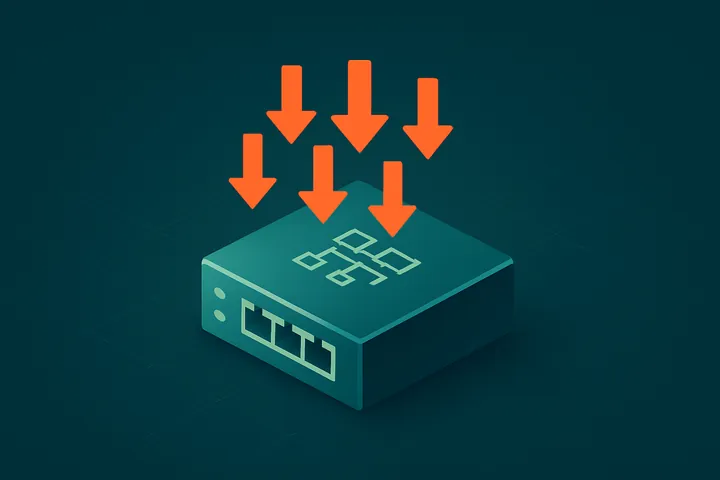
CAM Table Definition: A CAM table is a switch's MAC-address-to-port mapping used for fast Layer 2 forwarding; flooding it (MAC flooding) is a classic attack defeated by port security.
A CAM table (Content Addressable Memory table), also called a MAC address table, is the database a network switch uses to map device MAC addresses to the physical ports where those devices are reachable. It enables fast, hardware-based Layer 2 forwarding by letting the switch send each frame only out the port leading to its destination instead of flooding every port.
The switch builds the CAM table dynamically through learning. When a frame arrives, the switch records the source MAC address and the ingress port. To forward a frame, it looks up the destination MAC: if there is a match, it sends the frame out only that port (unicast forwarding); if there is no match, it floods the frame out all ports except the one it arrived on. Entries age out after an idle timeout, typically 300 seconds, so the table stays current as devices move or disconnect. Content-addressable memory allows these lookups to happen in a single operation at wire speed.
For security, the CAM table is a well-known attack target. In a MAC flooding attack, an attacker sends a flood of frames with random, bogus source MAC addresses to overflow the table's finite capacity. Once full, the switch can no longer learn new legitimate entries and begins flooding unicast traffic out all ports, effectively turning the switch into a hub and letting the attacker sniff traffic intended for other hosts. The standard defense is port security, which limits the number of MAC addresses learned per port and can shut down or restrict a port that exceeds the limit; dynamic ARP inspection and DHCP snooping add further protection.
For example, an attacker plugs a laptop into an office switch and runs a tool that generates thousands of frames with spoofed source MACs. The CAM table fills, the switch starts flooding all traffic, and the attacker captures other employees' unencrypted sessions. Had the administrator enabled port security limiting each access port to a small number of MACs with violation shutdown, the offending port would have disabled itself, stopping the attack. CAM table behavior is core CCNA and network security material.
Turn knowledge into credentials with our instructor-led cybersecurity boot camps.
View All Courses →