Hello, you are using an old browser that's unsafe and no longer supported. Please consider updating your browser to a newer version, or downloading a modern browser.

Training Camp's 2-day ChatGPT 5 boot camp covers advanced prompt engineering, workflow automation, and enterprise AI integration using ChatGPT. Hands-on, practical training.

ChatGPT at Work Course – ChatGPT drafts it. You still fix it.

Dark Reading Top 20

Practice better prompts in 2 days.

Our 2-day ChatGPT and AI productivity course is hands-on, built around the work you already do. Train live online or in person.

Student
Student
Student
Join 250,000+ trained alumni.
Hands-on projects included
Emilio Vespar, Training Camp mascot, in a crewneck sweater

Certified Instructors

Learn from the Best

Official Training Camp

Authorized Training

Live online or in person. Same instructors.

Two Days. Hands-On. Real projects. Real case studies.

Two days of live, hands-on practice with ChatGPT and other AI productivity tools. This is a skills course, with no certification exam.

Program Abstract

REF: CHATGPT 6
Official vendor courseware, taught as published.
Format Live, Instructor-Led
Duration 2

Master ChatGPT. Skip the Hype.

This intensive 2-day boot camp is 100% hands-on with ChatGPT for real productivity work. You’ll master prompt engineering techniques that produce exactly what you need, multimodal workflows combining text, voice, images, and audio, image generation for presentations and marketing, voice-to-text automation for meetings, and complete productivity workflows that integrate ChatGPT with Canva, Notion, Google Docs, and Excel. Built around the current ChatGPT models, so the techniques work on the version you are using today.

Prompt Engineering That Works.

Skip the generic prompt tips. We cover the prompt patterns that get reliable, consistent output from the current ChatGPT models, plus custom instructions, custom GPTs, and the techniques power users rely on every day.

Full Multimodal Toolkit.

Work with text, voice, images, and audio together. Use built-in image generation for presentation graphics, realtime voice mode for meeting documentation, and document upload for instant summaries and data extraction from your own files.

Integrate with Tools You Already Use.

Build workflows that connect ChatGPT to Canva, Notion, Google Docs, and Excel. You leave with templates and automation patterns you can plug into your own work the next morning.

·
Training materials including official courseware and study guides
Practitioner Led
Our instructors work in the fields they teach, not just in the classroom.

"Bring a real task. I’ll show you how people are actually using AI to get it done faster."

Brian D'Andrea

Lead Instructor All of our trainers carry a wide range of certifications, including the certification for every program they teach or manage.

Choose Your Delivery Mode.

Same Curriculum
In-person classroom training session
A

In-Person

Immersive classroom instruction with direct instructor access, hands-on labs and peer collaboration.

  • Face-to-face instruction
  • Group whiteboard sessions
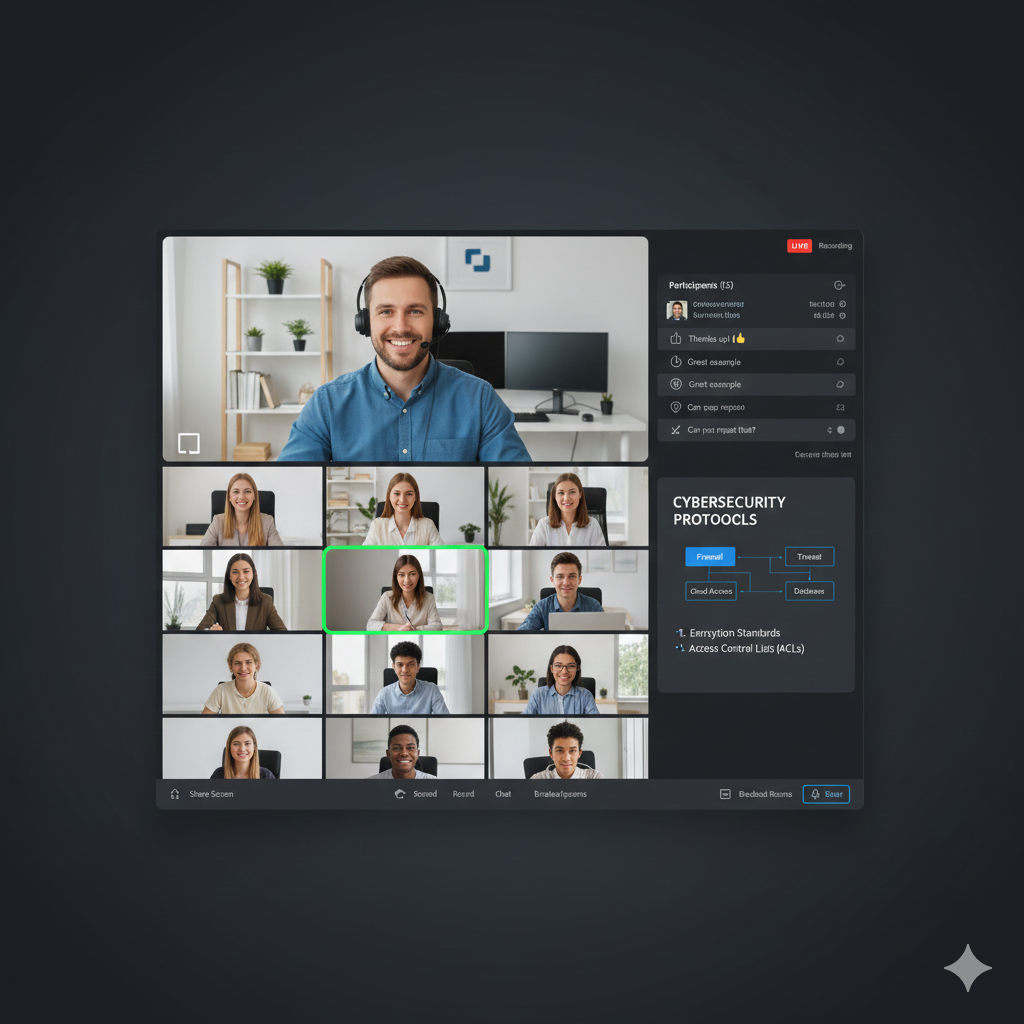
Student attending live online training
B

Live Online

The same instructors and curriculum, delivered live from anywhere on our virtual learning platform.

  • Zero travel required
  • Interactive breakout rooms
Offer

Save on this course with a current special offer

Team pricing, military discounts and a limited-time offer of the week. See what applies before you book.

See special offers
Get Started Today

Explore Your Training Options

Tell us about your training needs and we'll create a personalized plan.

Award ribbon icon

Creative AI Uses

Explore creative ChatGPT uses, including role-playing scenarios and problem-solving techniques you can bring back to work.

Clock icon

2 Days, Hands-On

Two intensive days hands-on with the current ChatGPT models, covering prompt patterns, custom instructions, and custom GPTs.

Flower icon

Live Instructors

Immersive classroom instruction with direct instructor access, hands-on labs, and peer collaboration throughout both days.

Light bulb icon

Docs and Writing

Manage large documents with Chat PDF, sharpen your writing with AI grammar tools, and draft copy faster with CopyAI.

Stars icon

Custom Workflows

Apply ChatGPT, Gemini, and Copilot to real business scenarios, building custom workflows you can use in your daily work.

Sunglasses icon

Multimedia With AI

Produce slides in Gamma, videos with HeyGen, images with ChatGPT’s built-in generator, and cleaner podcast audio with Adobe Podcast.

ChatGPT 5 Boot Camp

Accepting Inquiries
+1

    Eligible for Special Pricing?

    We respect your privacy. No spam.

    COURSE STRUCTURE

    ChatGPT Boot Camp
    Syllabus

    A structured path designed for working professionals.
    Each day builds on the last—momentum is everything.

    Request Info
    MODULE_ID: PREP
    Live Training QS: ~5
    BEFORE CLASS
    Critical Path

    Before Class

    Pre-course materials access
    L.prep.1
    Foundation concepts review
    L.prep.2
    Baseline self-assessment
    L.prep.3
    MODULE_ID: TC-CGPTP-01
    Live Training QS: ~5
    DAY ONE
    Critical Path

    AI Foundations & Advanced Prompting

    ChatGPT account setup, Plus subscription, and interface navigation
    L.01.1
    Prompt engineering fundamentals — structure, context, and constraint techniques
    L.01.2
    Zero-shot vs few-shot prompting with hands-on exercises
    L.01.3
    Chain-of-thought and role-based prompting for complex tasks
    L.01.4
    Custom GPTs — building, configuring, and sharing purpose-built assistants
    L.01.5
    Creative writing and content generation with tone/style control
    L.01.6
    Role-playing scenarios for business communication and customer service
    L.01.7
    Data analysis with ChatGPT — CSV uploads, summarization, and insights
    L.01.8
    Code generation and debugging assistance for non-developers
    L.01.9
    Image generation with ChatGPT’s built-in image tools and prompt refinement
    L.01.10
    MODULE_ID: TC-CGPTP-02
    Live Training QS: ~6
    DAY TWO
    Critical Path

    Professional Tools & Content Creation

    Google Gemini — multimodal capabilities, comparison with ChatGPT
    L.02.1
    Microsoft Copilot — integration with Office 365, Teams, and enterprise workflows
    L.02.2
    Claude and Perplexity — research, analysis, and citation-backed responses
    L.02.3
    AI audio/video tools — Adobe Podcast, ElevenLabs, and transcription
    L.02.4
    Side-by-side tool evaluation — choosing the right AI for each task
    L.02.5
    Real-World Applications
    L.02.6
    Hands-on projects
    L.02.7
    Workshop wrap-up and next steps
    L.02.8
    Building an AI-powered personal productivity system
    L.02.9
    AI ethics, limitations, and responsible use guidelines
    L.02.10
    COURSE PROGRESS Day 0 of 2
    FREQUENTLY ASKED QUESTIONS

    ChatGPT
    Boot Camp FAQ

    Real questions from IT pros deciding if this course fits.
    Here's how we answer them.

    This boot camp is 100% hands-on and focused on ChatGPT’s practical productivity features rather than theory. Broad AI courses cover general concepts. We go deep on the current ChatGPT models, image generation, realtime voice, and the multimodal workflows you will actually use every day, and on day two we show you where Gemini, Copilot and other tools fit alongside it. You leave with specific workflows, templates, and techniques you can put to work immediately, not surface-level knowledge about AI in general. Every exercise uses real work scenarios, and you finish with a project built around your own job tasks.

    Yes. The curriculum tracks what is in ChatGPT now, including image generation, audio processing, realtime voice conversations, and vision capabilities that did not exist in earlier versions. Plenty of AI courses still teach techniques written for GPT-3.5 or GPT-4 that the current models have made unnecessary. We rewrite the material as the platform changes, because a prompt pattern that was clever a year ago is often just extra typing today.

    You will need ChatGPT Plus or ChatGPT Team to get the full value from this boot camp. The free tier limits access to the current models, image generation, realtime voice mode, and the advanced audio features that most of our hands-on exercises are built around. You can attend with a free account and follow along, but you will be watching rather than practicing for much of the two days. We recommend having ChatGPT Plus ($20/month) before the course starts.

    You’ll master prompt engineering techniques that make ChatGPT produce exactly what you need, multimodal workflows combining text, voice, images and audio, ChatGPT’s built-in image generation for presentations and marketing, voice-to-text automation for meetings and documentation, and complete productivity workflows that integrate ChatGPT with tools like Canva, Notion, Google Docs, and Excel. By the end of Day 2, you’ll have built a custom workflow for a real task from your job, plus you’ll receive template packs and practice lists for continued skill development. These aren’t theoretical concepts, they’re ready-to-use techniques you can apply Monday morning.

    Every concept is immediately reinforced with practical exercises. We don’t lecture for hours. We demonstrate for 10-15 minutes, then you practice with real-world tasks. Day 1 covers foundations (prompting, writing, images, vision) through workshops where you create actual emails, reports, thumbnails, and content. Day 2 focuses on advanced workflows (voice automation, audio processing, integrations) culminating in a final project where you build a complete workflow for your specific work needs and present it to the class. You’ll spend approximately 60% of the boot camp actively working in ChatGPT, not just watching demonstrations.

    Mastery beats breadth. ChatGPT is the most widely accessible AI productivity tool most teams already have, so most of the two days goes deep on one platform: prompt stacking, persona prompting, multimodal workflows, and automation integrations that broad AI surveys never reach. The “Beyond” part is a short, practical survey on day two of where Gemini, Microsoft Copilot, Claude, Perplexity and AI audio and video tools fit, so you know which tool to reach for. You leave proficient in a tool you will use daily, and the prompt engineering and workflow thinking transfers to other platforms.

    Get the Free
    ChatGPT Course Guide

    • What the course covers, day by day
    • The lab environment and what you build in it
    • How the certificate of completion works
    Student Success Stories

    What Our Students Say

    Join thousands of IT professionals who trained with Training Camp

    ★★★★★

    Sarah, our trainer at Training Camp, was exceptional. Her approach to training was personalized, making it feel like she was mentoring each one of us individually.

    LR
    Lea Ree* U**Army NCOS
    ★★★★★

    As a project manager, I found his insights invaluable. He simplified complex AI concepts, making them digestible for everyone. Training Camp is truly fortunate t...

    Continue Your Journey

    ChatGPT 5 Related Courses

    Keep building your skills with these related courses

    Featured on